
Appearance
Camera tab
Moves of the view. The first tool that needs a camera adds the rig (ATLAS Camera on ATLAS Camera Target; see The Map Root, the camera rig and the layers Atlas makes) and every Atlas layer becomes 3D. The head line says what the comp has: "No camera yet · use any tool below and Atlas adds it", or "Camera · zoom 3× · tilt 35° · heading −10° · keyframed". Sections, in order: Fly to a place, Orbit a place, Tour, Follow a traveller, Globe → region, Quick: country to street, Camera options.
After any camera move, if the camera looks past the built map's edge or zooms past its sharpness, the bar above the status line offers Update map (see World: Build Map, Update map, Draft).
Fly to a place
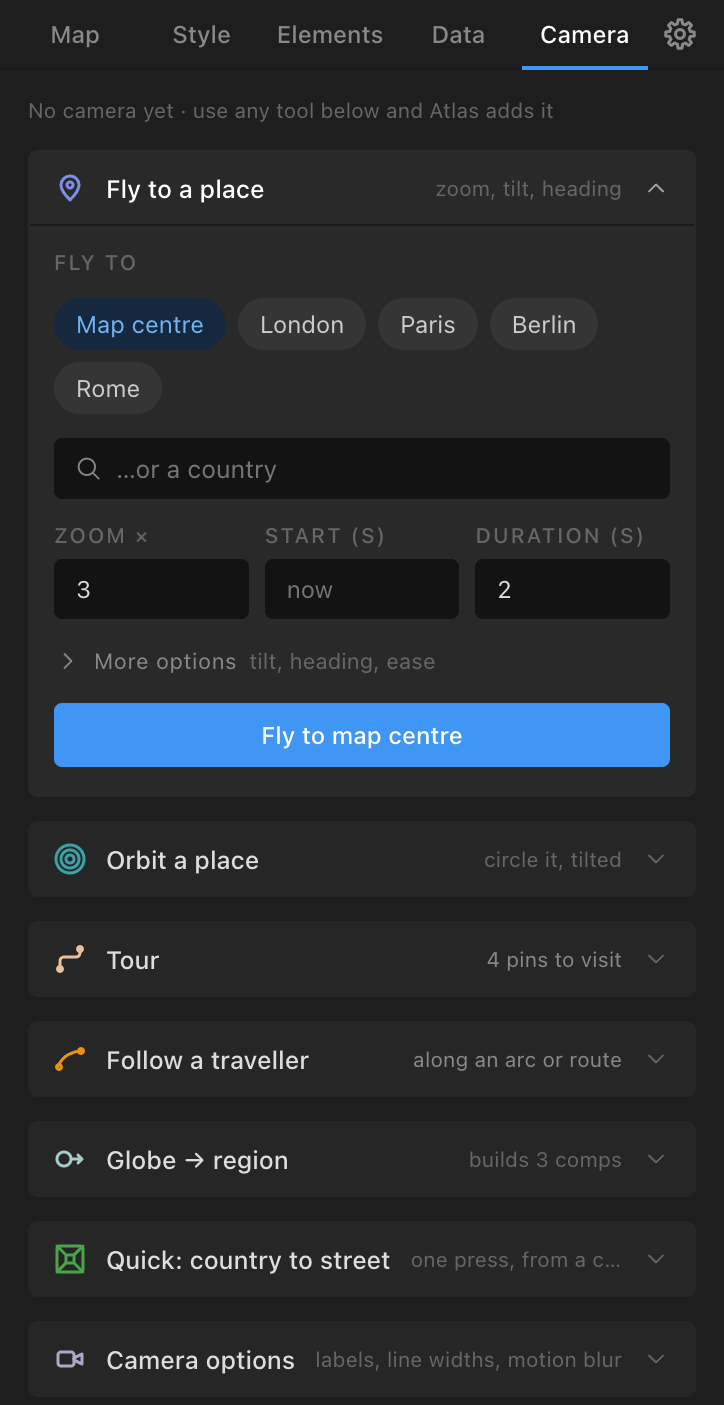
- Fly to: Map centre (default), a pin (chips), or a country ("…or a country"; fitted in the frame with Fit the country in the frame). Towns without a pin: add a pin first.
- Zoom × (3: three times closer than the map as built), Start (s) (empty = the comp's current time), Duration (s) (2).
- More options: Tilt ° and Heading ° (empty keeps the current), Ease: Smooth (default), Punch (fast in, long settle), Linear. A tilt of 30° to 55° reads like a documentary fly-in.
- On a street map: Sharpen the map for this move (ticked): the map's zoom levels are planned again for the whole comp.
- Fly to {target}: keys the Camera Target's Position, Zoom, Tilt and Z rotation (the heading) from their values at Start. Big zooms travel straight (the place heads for the middle of the frame). Chained Fly to moves hold between keys.
Orbit a place
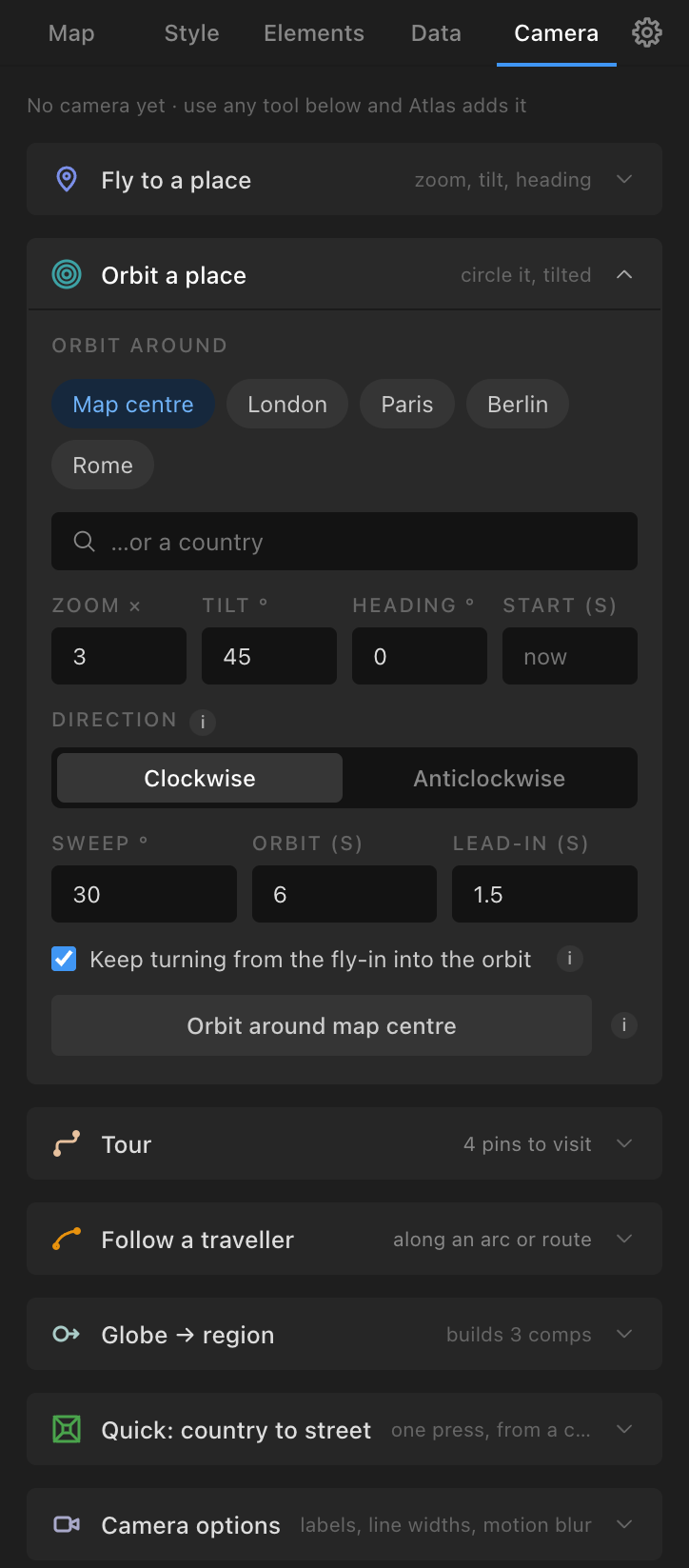
- Orbit around: Map centre, a pin or a country (with Fit).
- Zoom × (3), Tilt ° (45), Heading ° (0, where the orbit starts), Start (s).
- Direction: Clockwise (default) or Anticlockwise: the way the camera travels seen from above with north up (the map turns the other way). The fly-in turns the same way.
- Sweep ° (30: a gentle pan; 20 to 40 is subtle, 90 or more swings round), Orbit (s) (6), Lead-in (s) (1.5).
- Keep turning from the fly-in into the orbit (ticked).
- Orbit around {target}: a Fly to at the tilt over the lead-in, then a sweep of the heading.
Tour
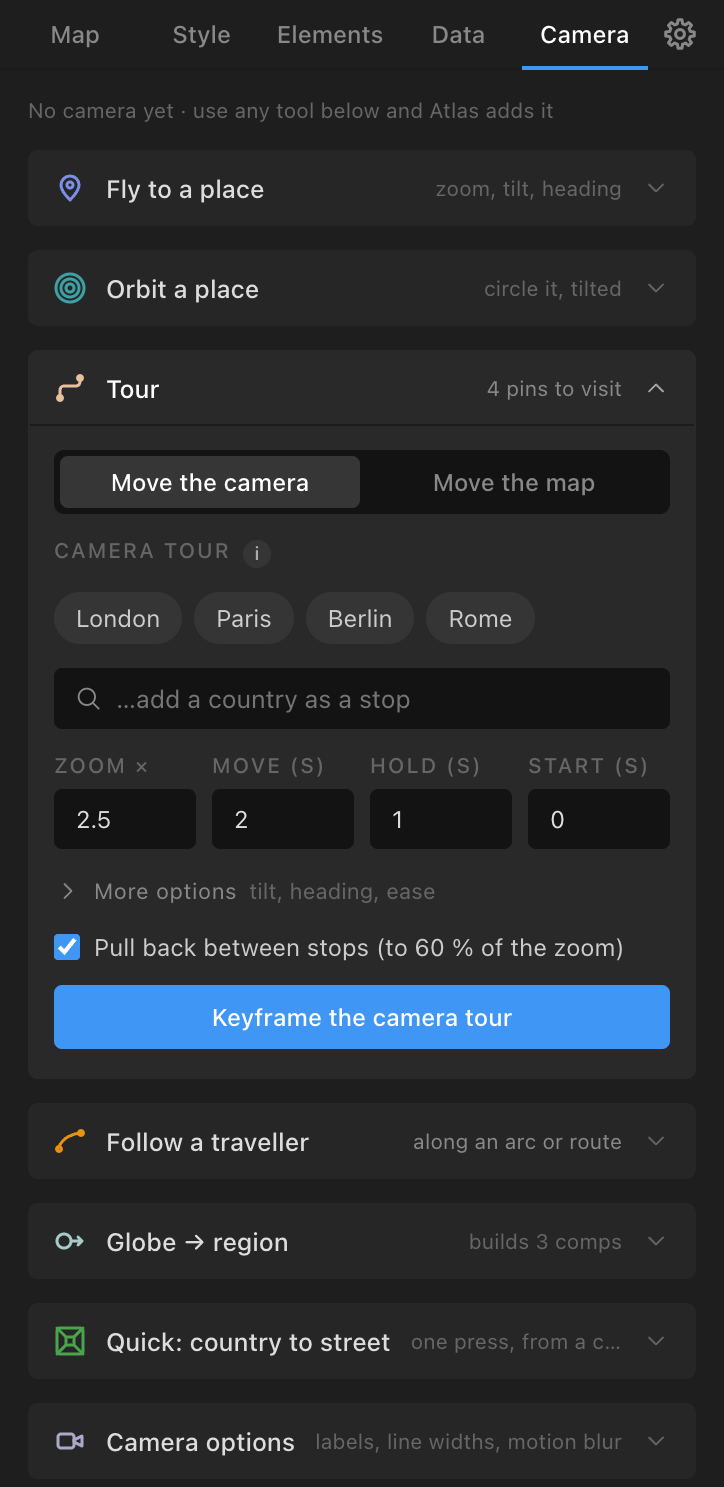
A switch: Move the camera (default) or Move the map.
- Move the camera (works on every map): pick pins as stops and/or countries ("…add a country as a stop"); Zoom × (2.5), Move (s) (2), Hold (s) (1), Start (s) (0); More options Tilt, Heading, Ease; Pull back between stops (to 60 % of the zoom) (ticked). Keyframe the camera tour: a Fly to per stop with holds.
- Move the map (keyframes the Map Root's Centre Lon, Centre Lat and Scale: the map itself flies, on a live or raster Mercator / equirectangular map or a live globe; on a still map only the pins, arcs and labels move): pins only, in order; Zoom × (2.5) or, on a street map or a Mercator raster World map with street detail, Zoom in to a level ("z14 · streets (×256)"); Move (s), Hold (s), Start (s); Pull back between stops (to 60 % of the zoom, or to the whole map when a zoom level is chosen); Travel straight: pan against the zoom (ticked: an expression keeps the zoom even and the stop heading for the middle of the frame; keys stay two per move and editable). Keyframe the tour. It replaces existing keys on those sliders.
- After a tour, press Update map when the bar says the map is short (soft at a stop, past the map's edge, still where it should move).
Follow a traveller
Follow: a traveller (made with Traveller ticked on an arc, a route or a track), Smooth (s) (0.4), Zoom × (3); Follow with the camera (the Camera Target rides the traveller; Fly to still works on top) or Release.
Globe → region
Country, Match (s) (3), Fade (s) (1), Build globe → {country}: three comps: a globe centred on the country whose camera zooms in, a Mercator map of the country, and a master comp that cross-fades from the first to the second at the frame where their scales match. Carry on working in the region comp.
Quick: country to street
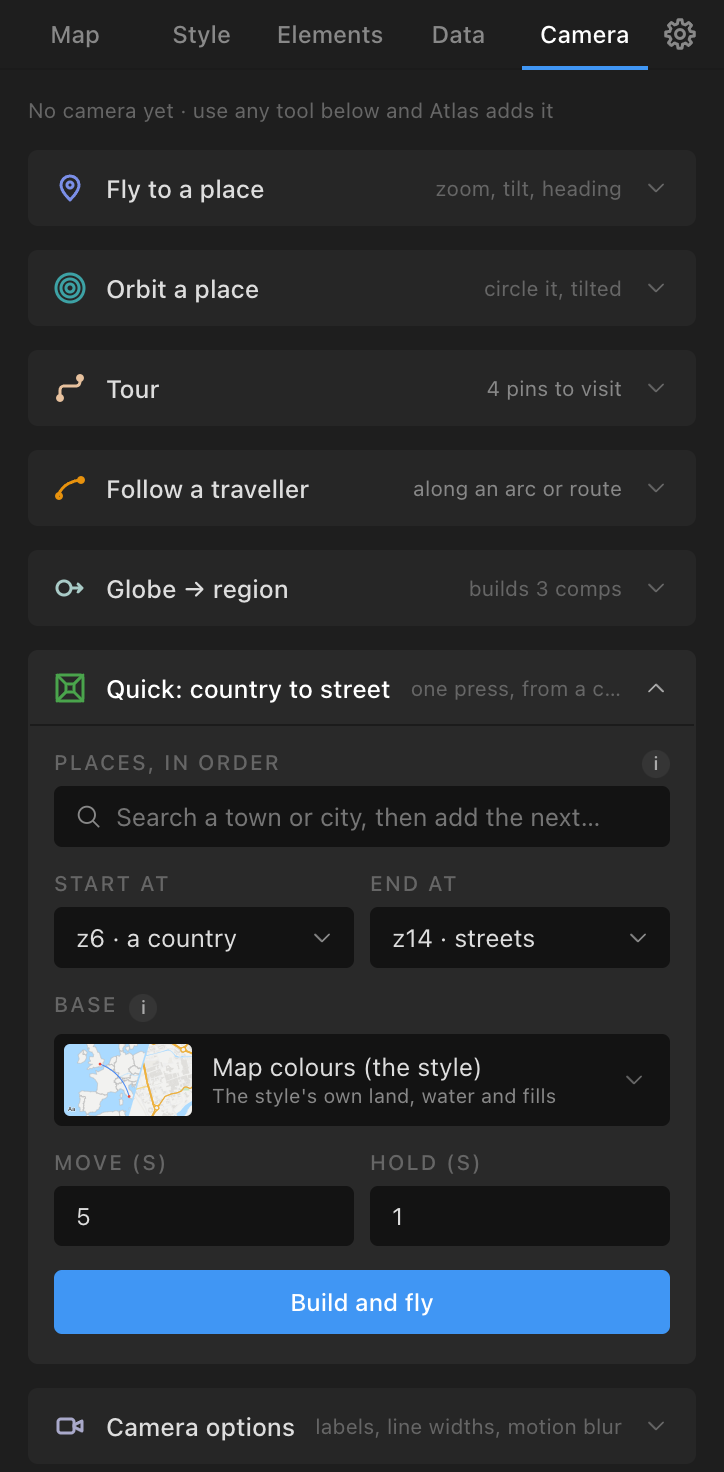
One press from a country to a street:
- Places, in order ("Search a town or city, then add the next…").
- Start at: z5 · a large country, z6 · a country (default), z7 · a region, z8 · a county. End at: z13 · a town, z14 · streets (default), z15 · streets, larger, z16 · streets, largest.
- Base: Map colours (the style), Sentinel-2 cloudless 2017, Terrain Light, or a national aerial survey covering the first place.
- Move (s) (5), Hold (s) (1), Pull back to the whole map between stops (with more than one place).
- Build and fly: builds a Mercator raster World map in the current style at the start zoom, pins the places, keys the tour and runs Update map, so the map is a stack of zoom levels sharp all the way down, the closer ones streets from OpenStreetMap. About twenty seconds on a warm cache; the first run fetches a few hundred tiles (satellite bases take minutes the first time).
Camera options
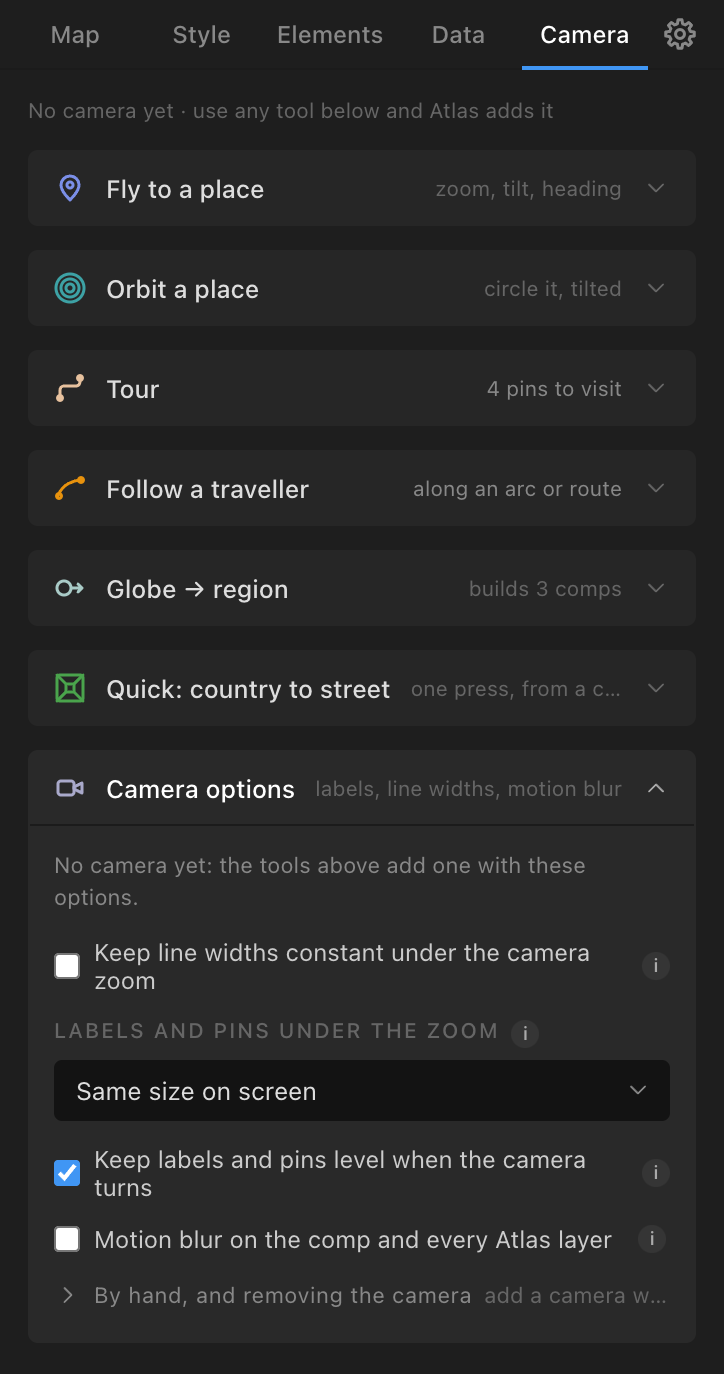
- Keep line widths constant under the camera zoom (off: lines grow with the zoom like any 3D layer; on costs a little playback).
- Labels and pins under the zoom: Same size on screen (default), Grow gently, Grow with the map (the Camera Target's Keep Label Size % slider).
- Keep labels and pins level when the camera turns (ticked; Keep Labels Level %).
- Motion blur on the comp and every Atlas layer: use this rather than the comp's switch (it sets every Atlas layer and gives particles CC Force Motion Blur). Renders take 10 to 20 times longer under the camera: switch it on for the final render.
- By hand, and removing the camera: Add the camera now (to animate the Camera Target entirely by hand: its Position, Zoom, Tilt and Z rotation) and Remove the camera (removes the camera and its target with their keys, and the sharper street plates made for its moves, and makes the layers 2D again; the Map Root's keys are kept).